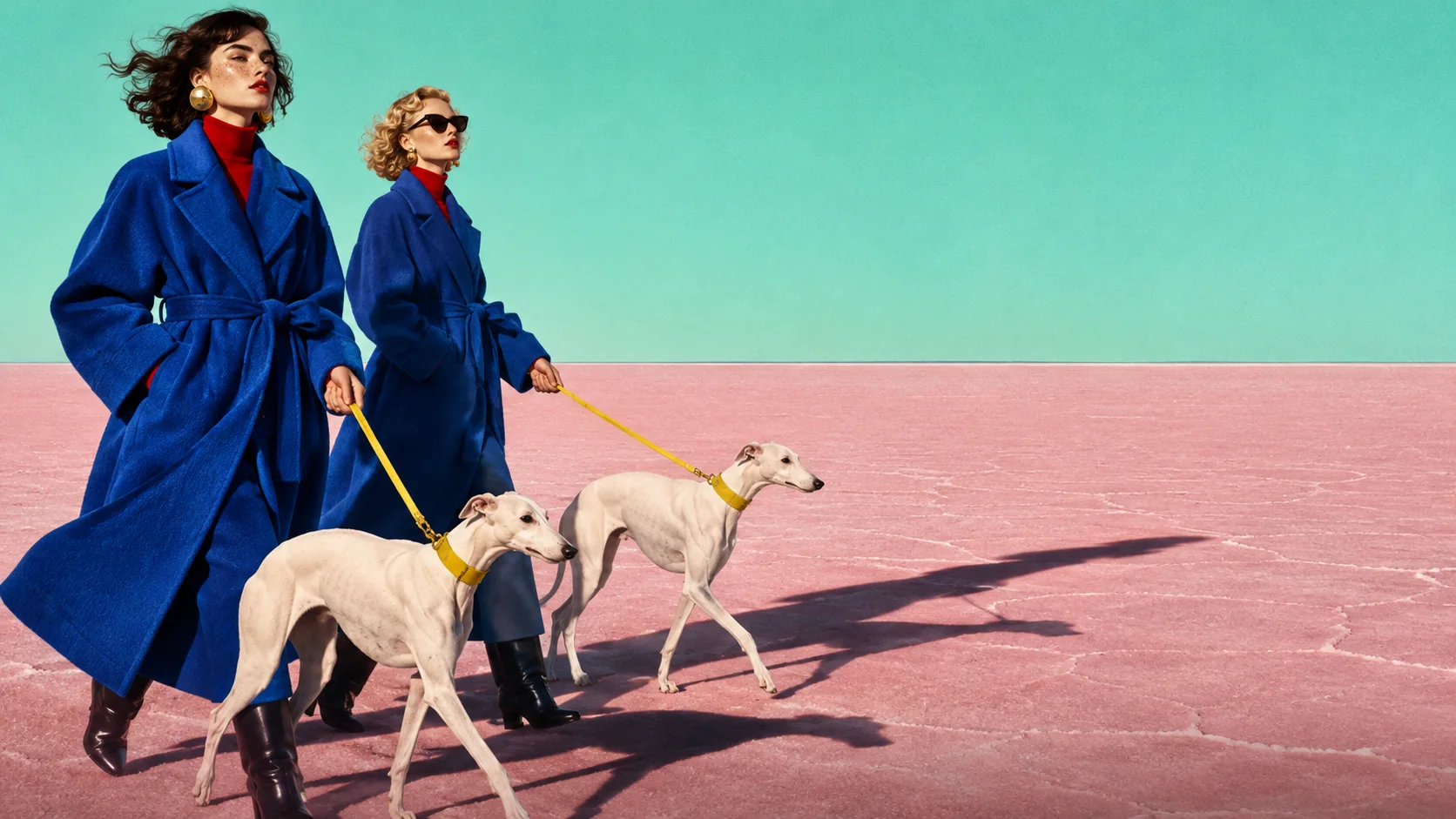
Set the headline in the image
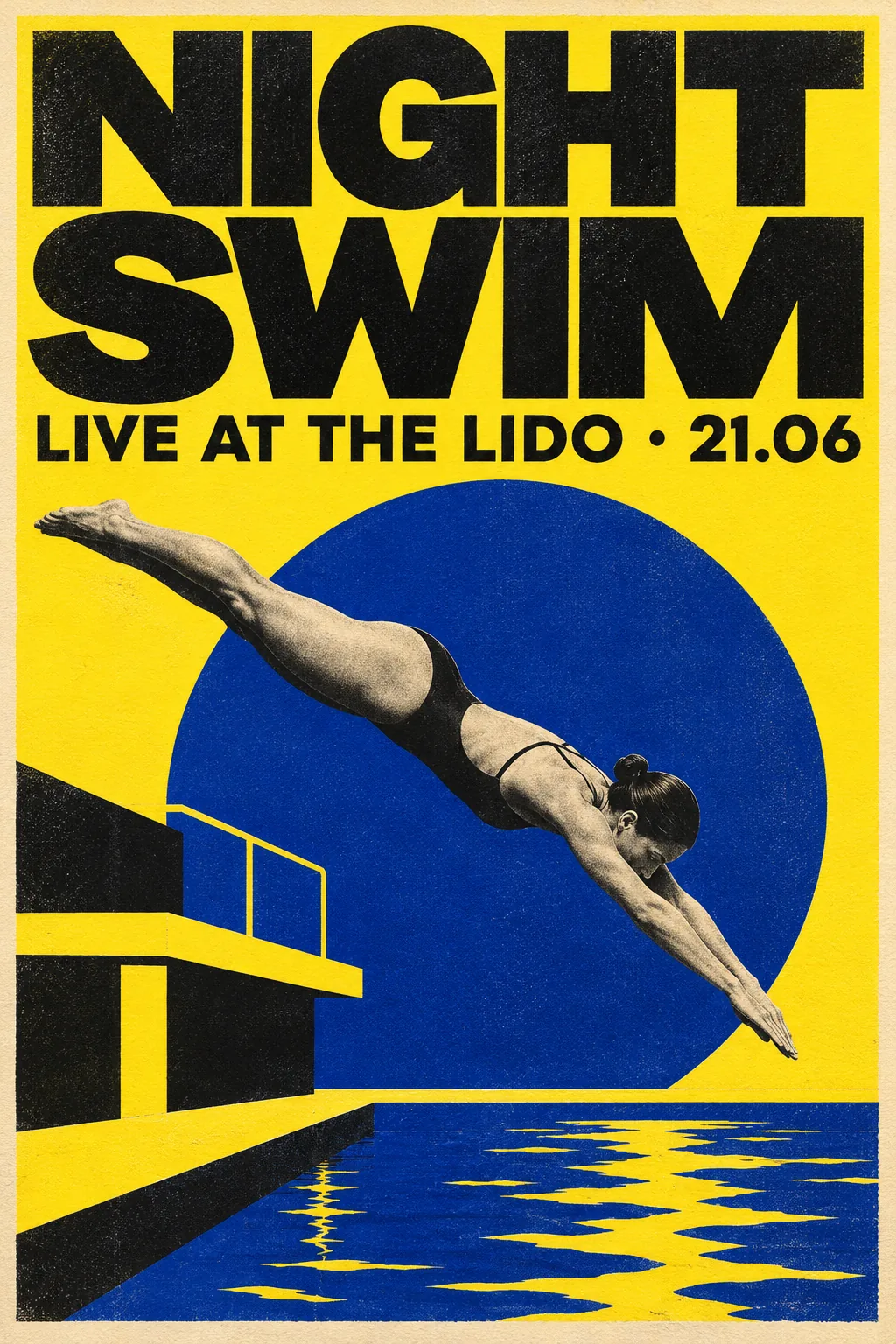
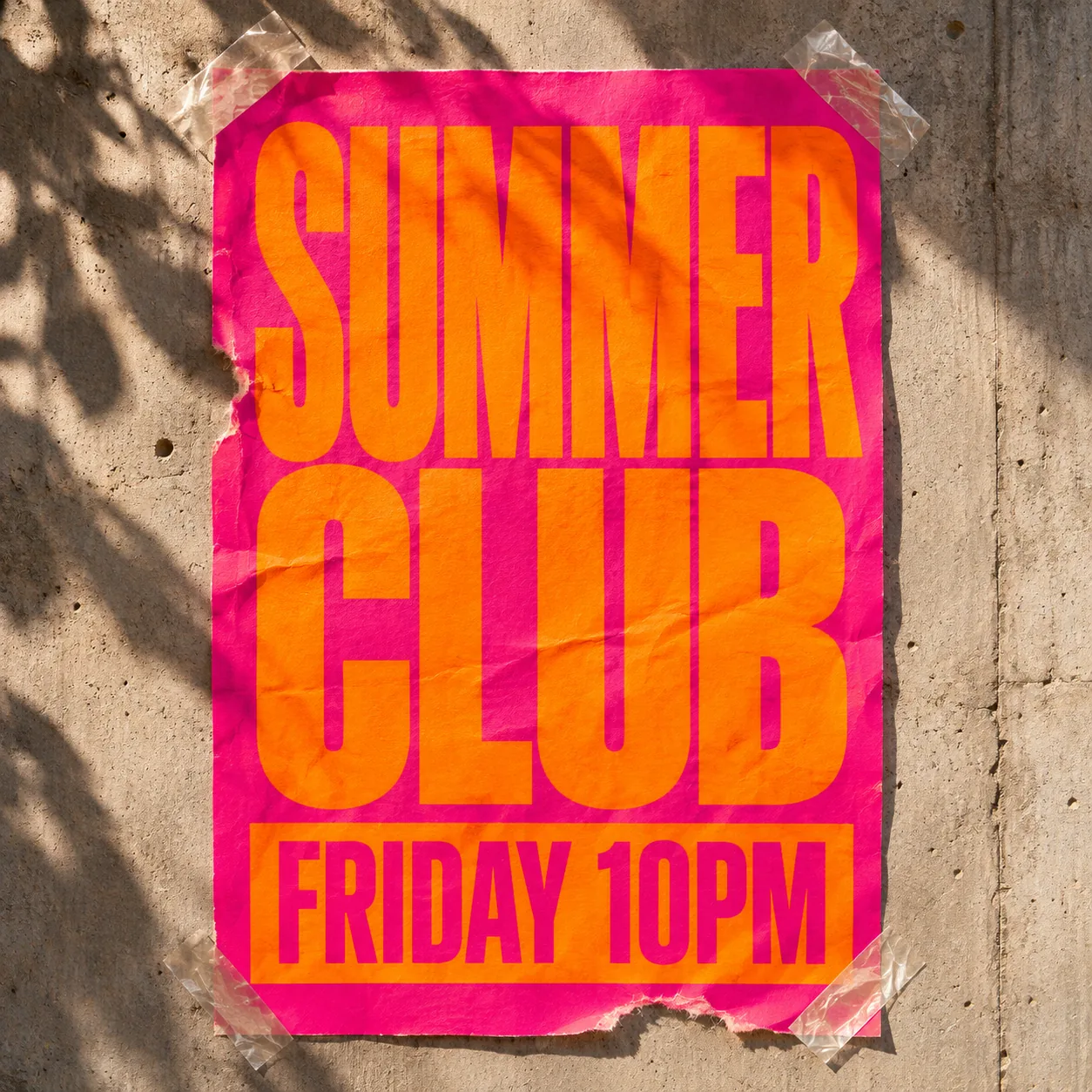
Put the words in quotes. They land in the layout, spelled right.
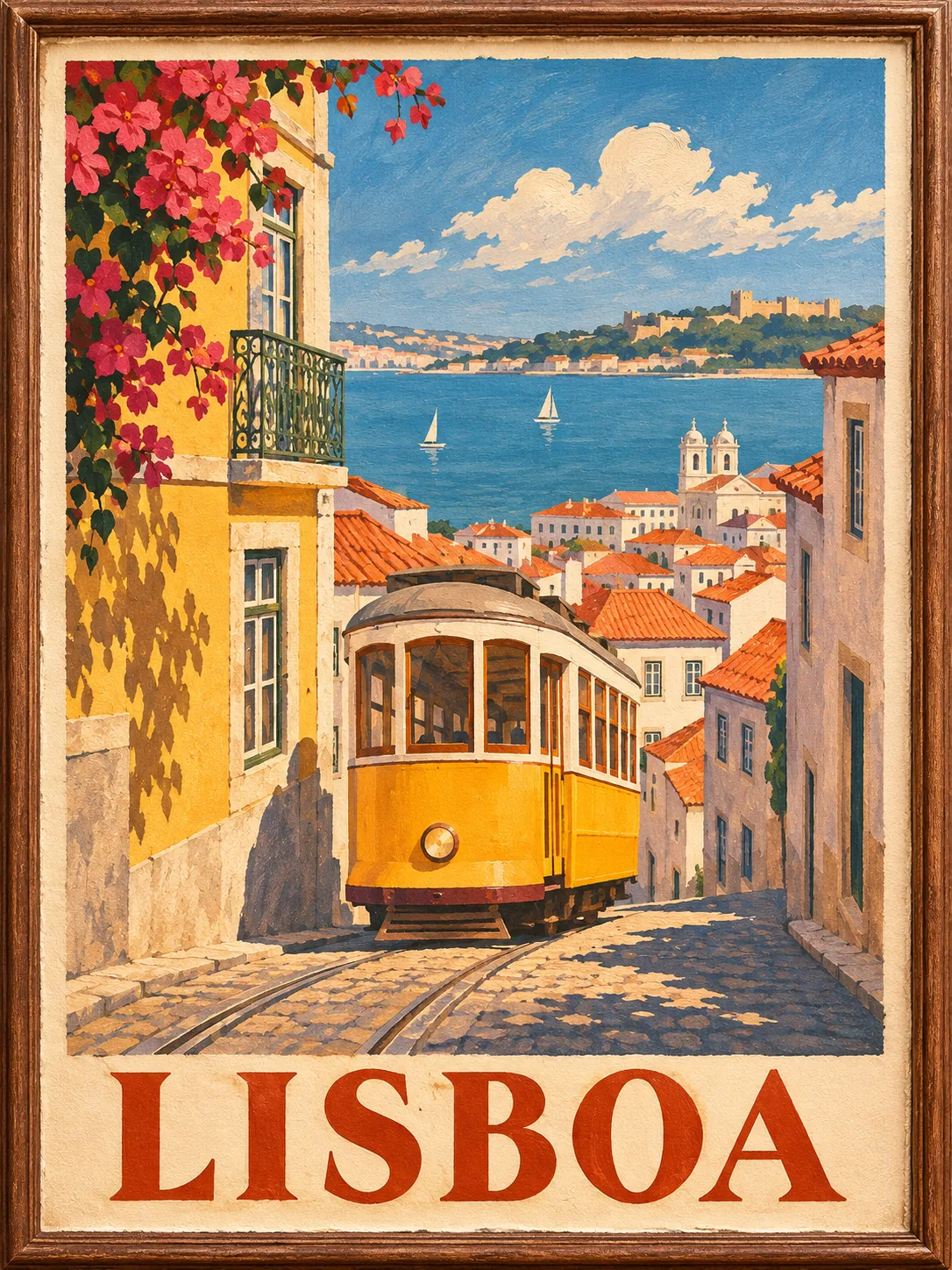
Generate posters, product shots and transparent stickers with OpenAI's latest image model, then drop them straight into your video.
Trusted by 400,000+ creators
Four things GPT Image 2.6 does from one prompt.
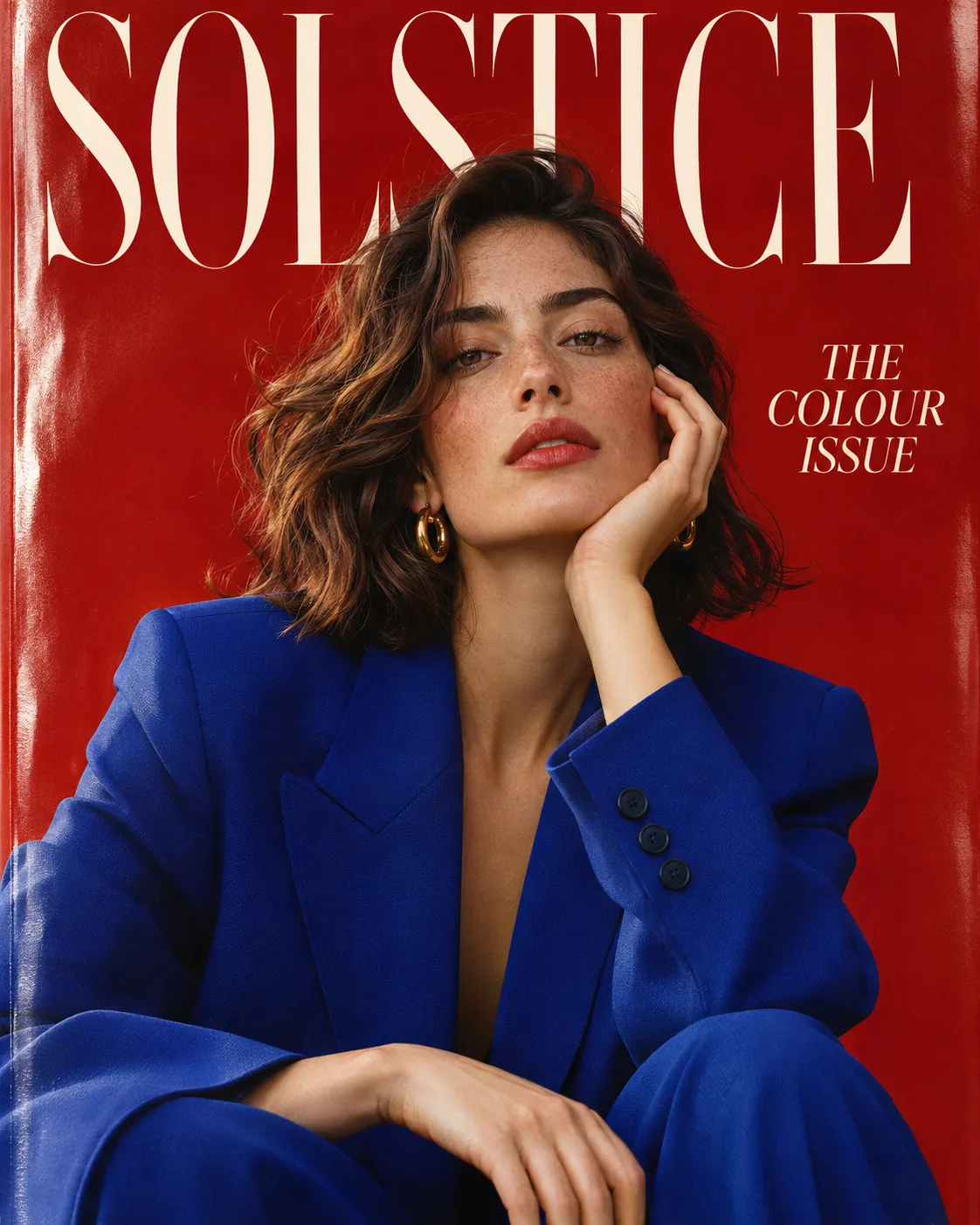
Put the words in quotes. They land in the layout, spelled right.
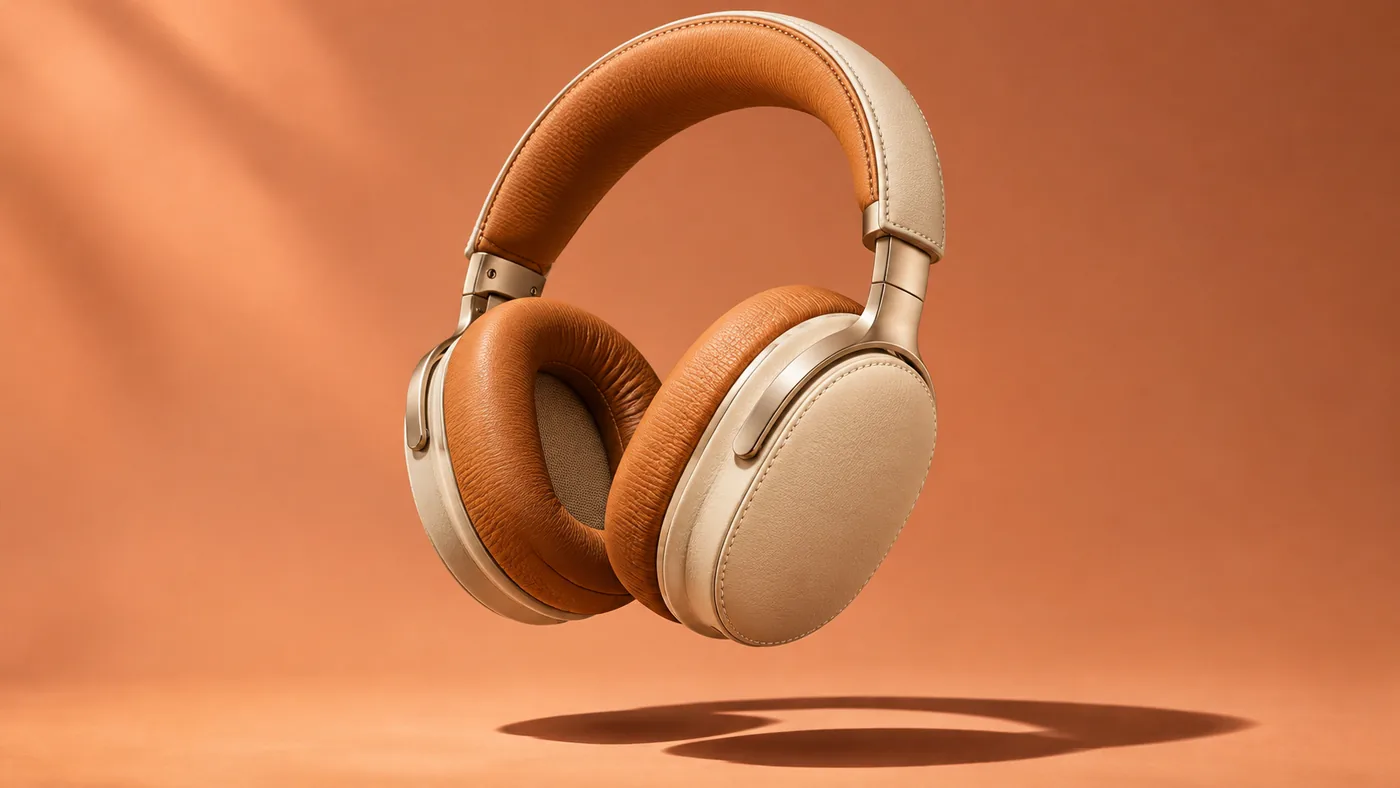
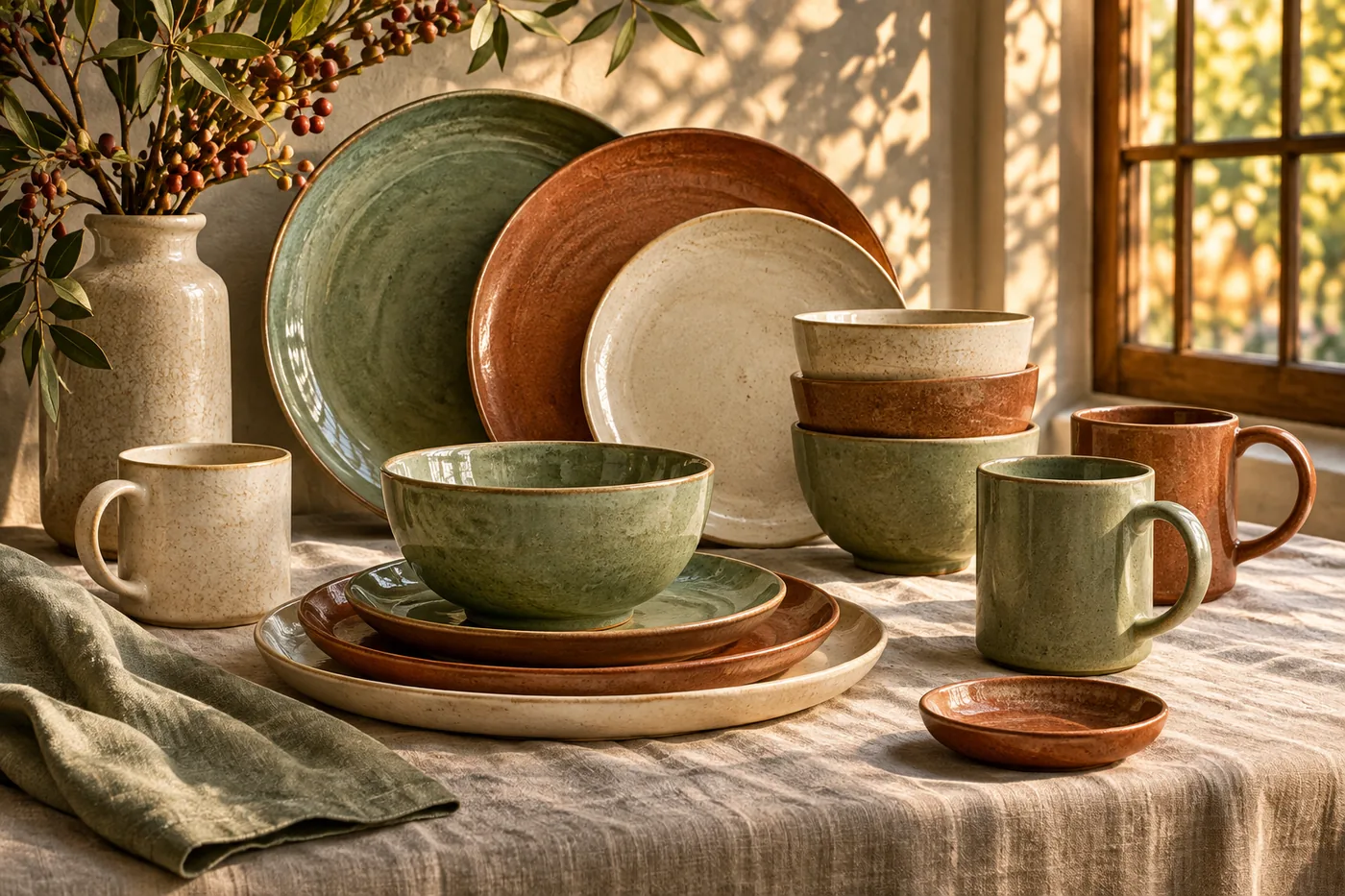
Describe the product and the light. Get a campaign still back.
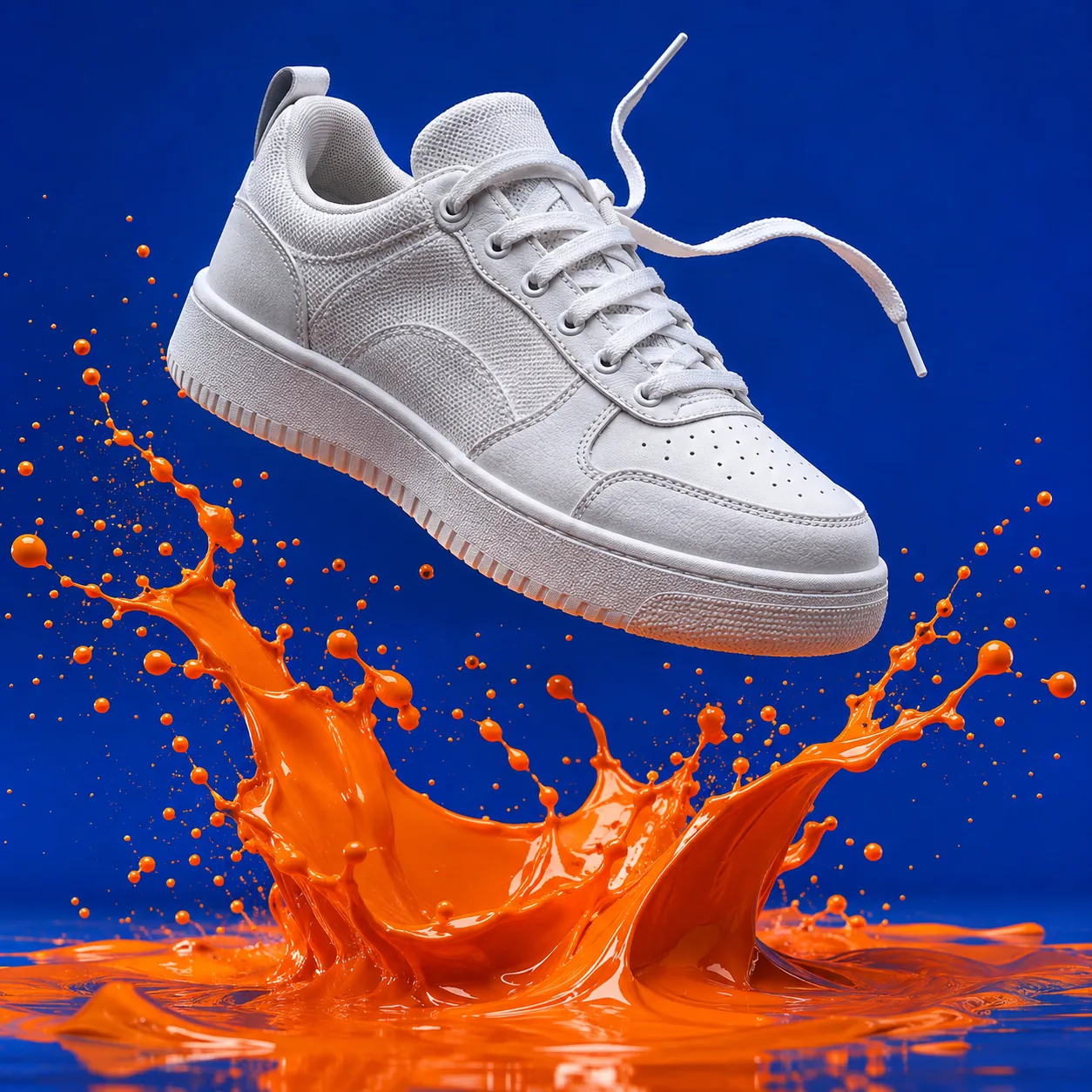
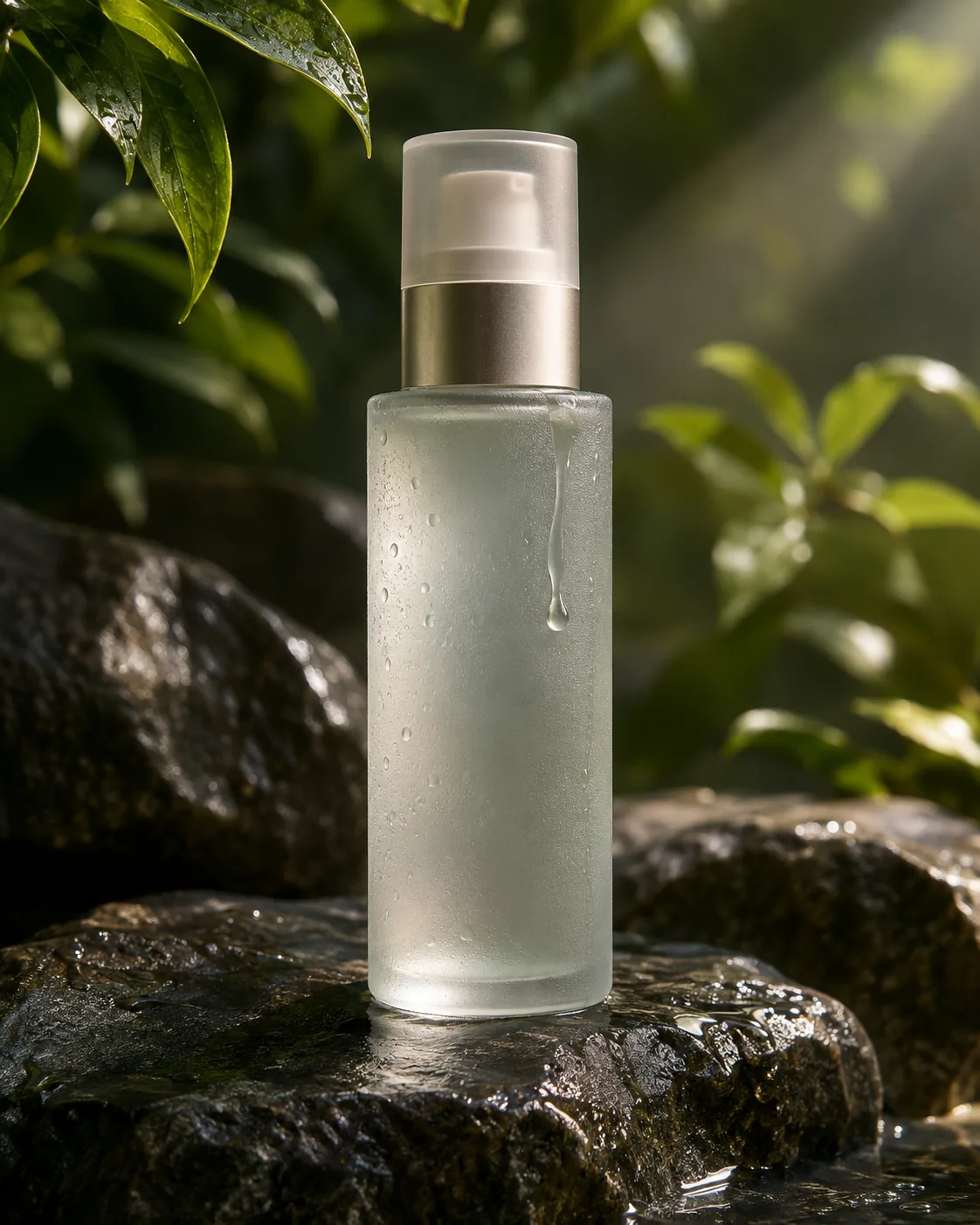
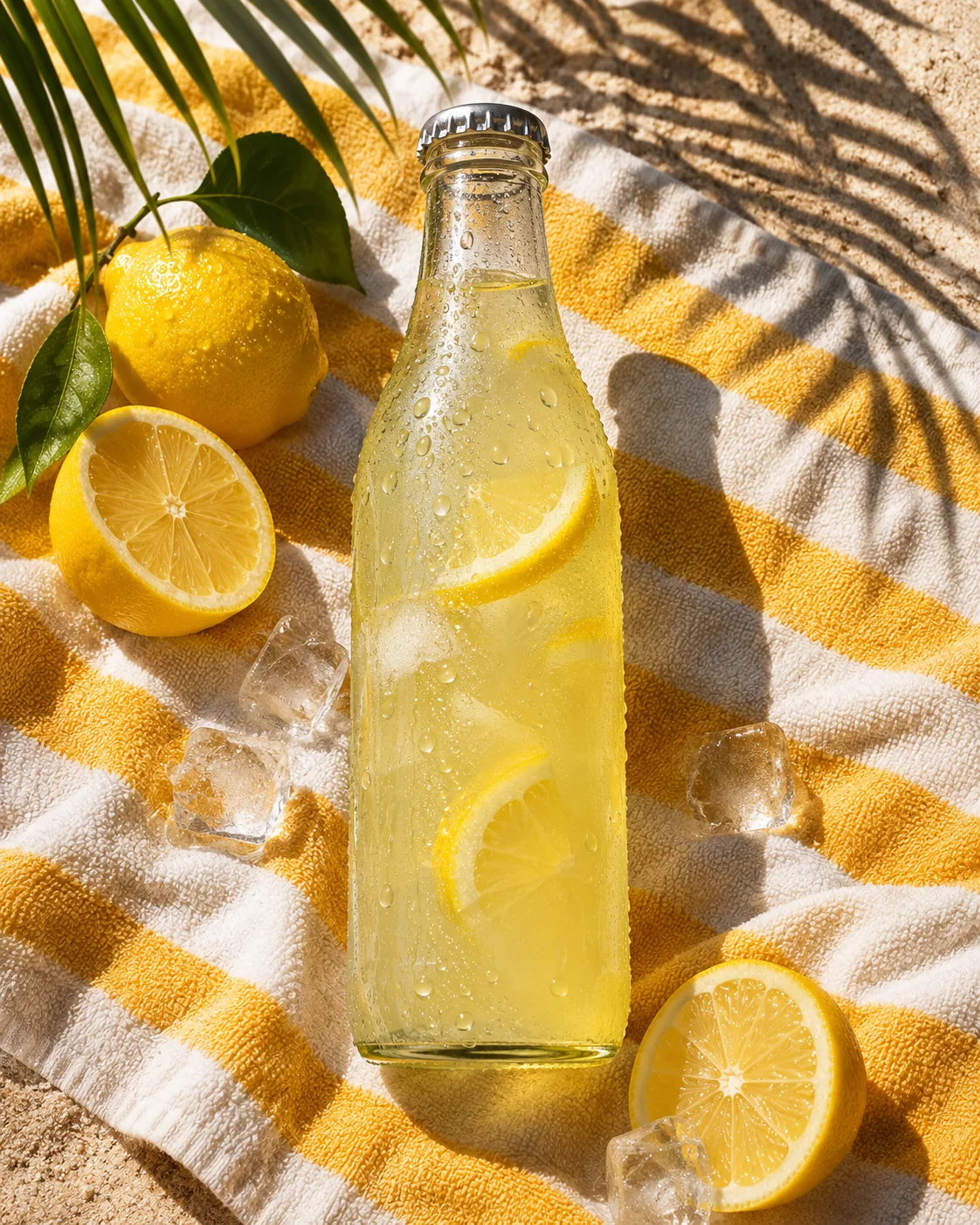
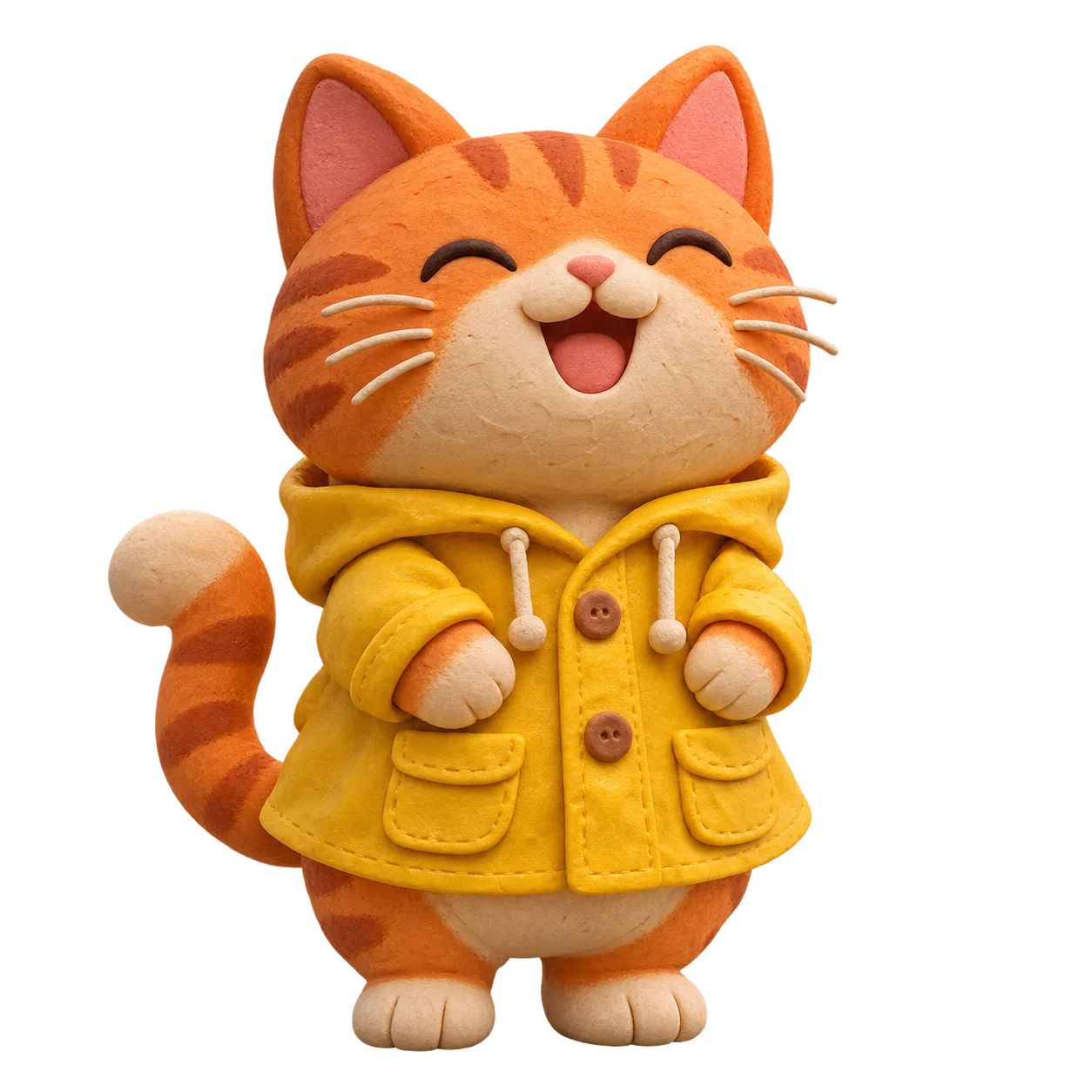
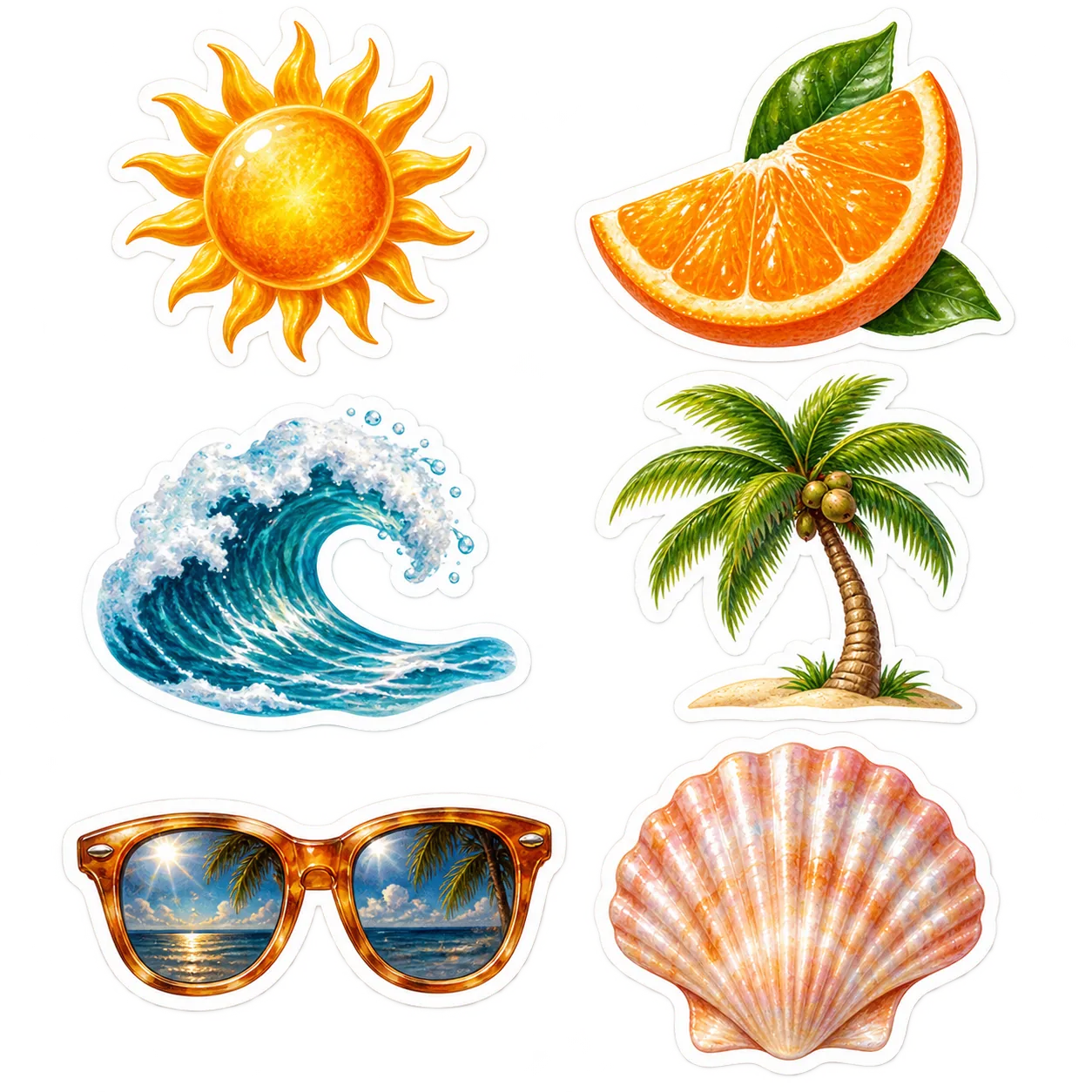
Transparent cut-outs that drop straight onto your footage.
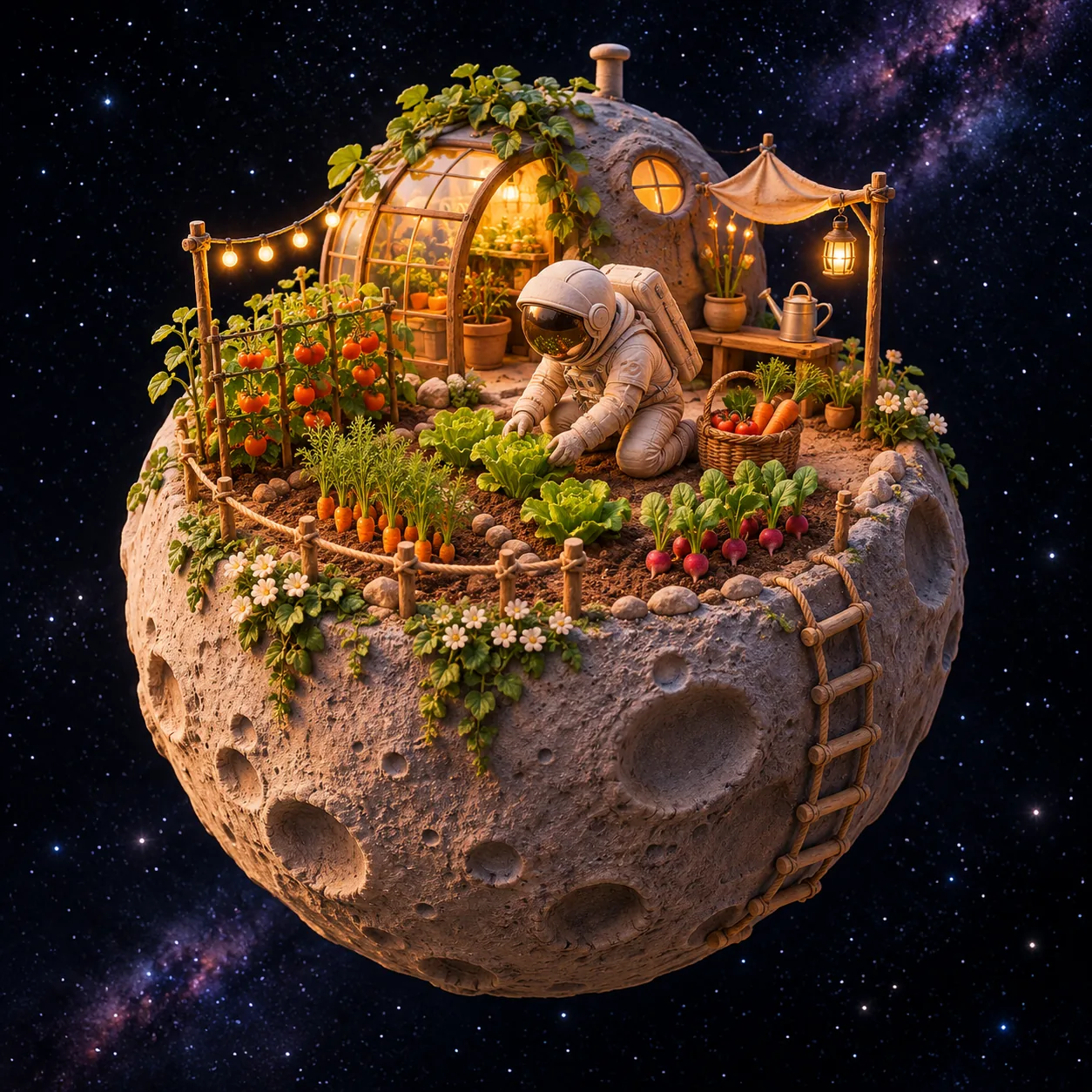
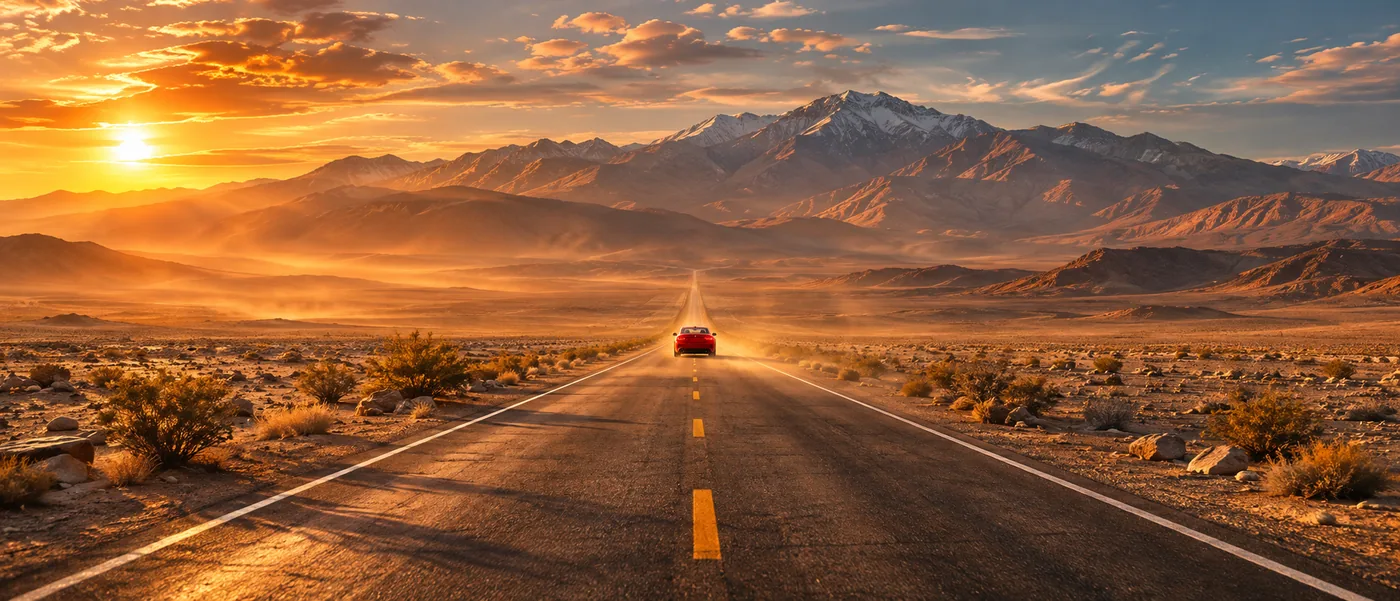
Ten ratios from 21:9 to 9:16, each composed for its frame.
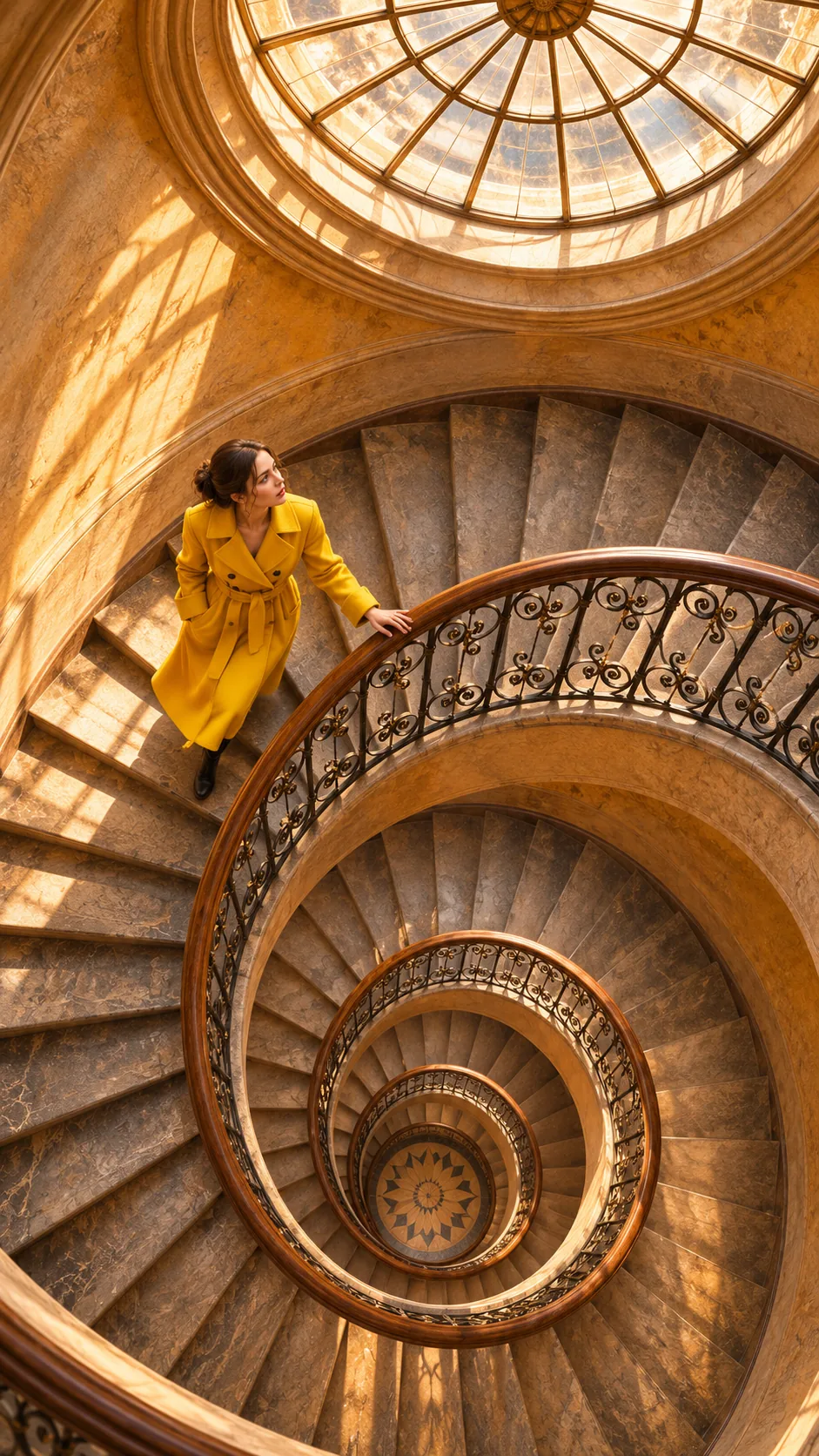
Attach a picture, say what should change and what must stay. Keep asking until it is right.
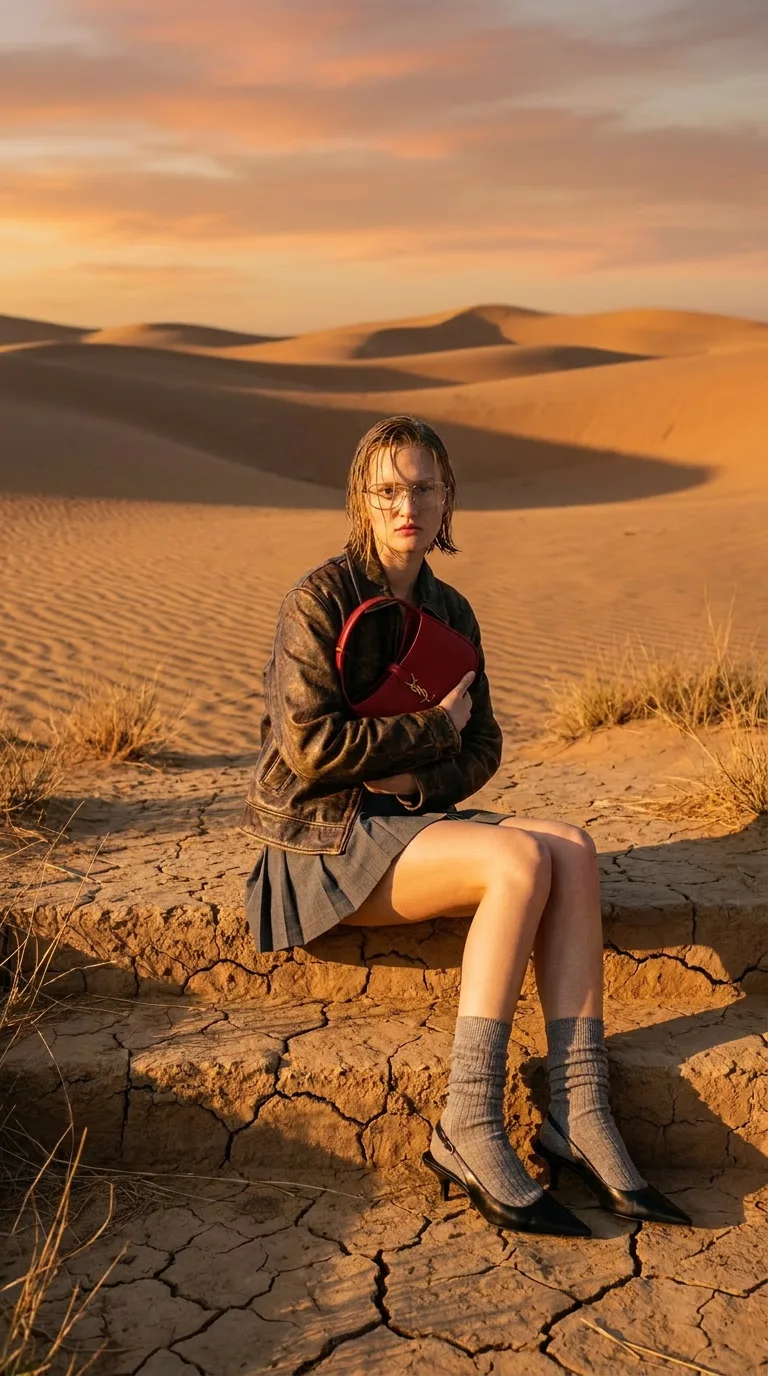
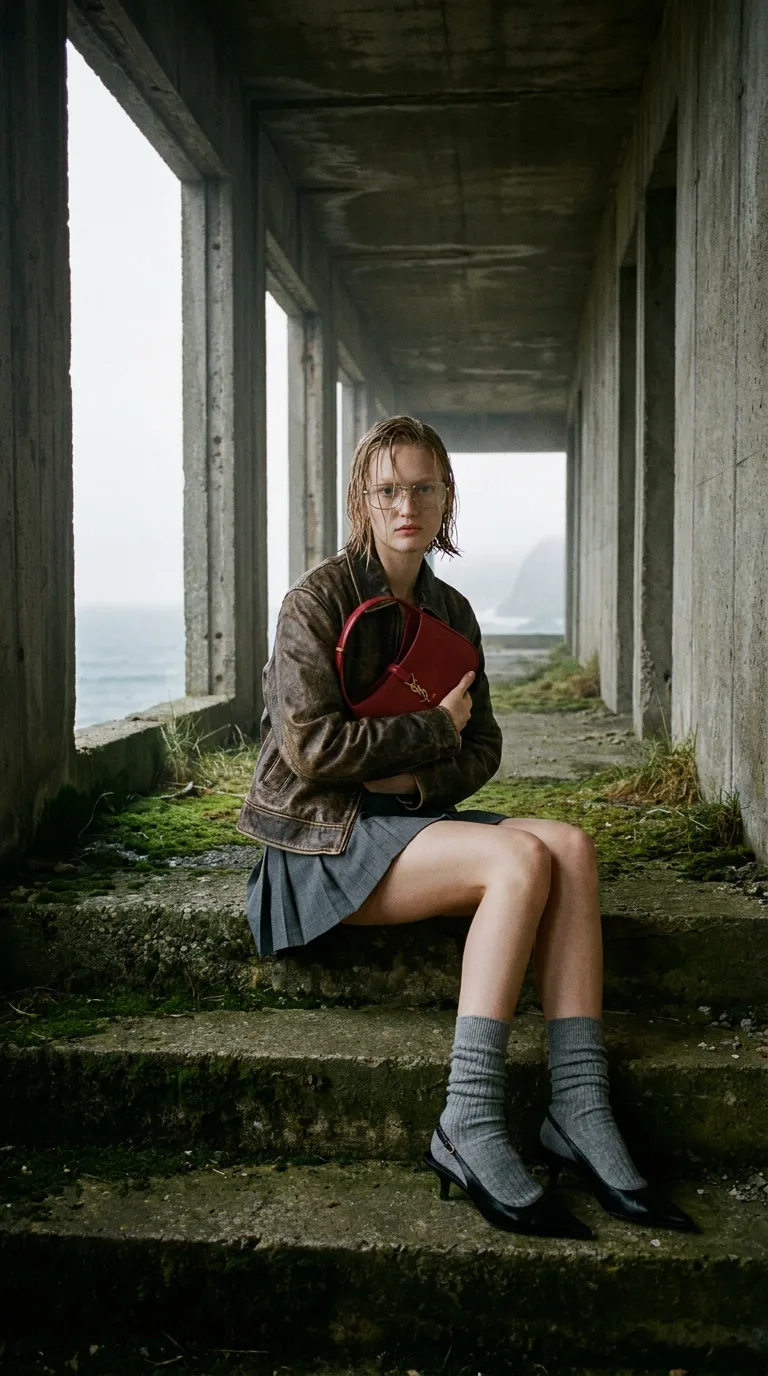 stairwell.jpg
Keep her pose, outfit and the red book exactly as they are. Put her on cracked desert ground at sunset, with dunes behind her.
The image lands in your project, so the next step is one message away.
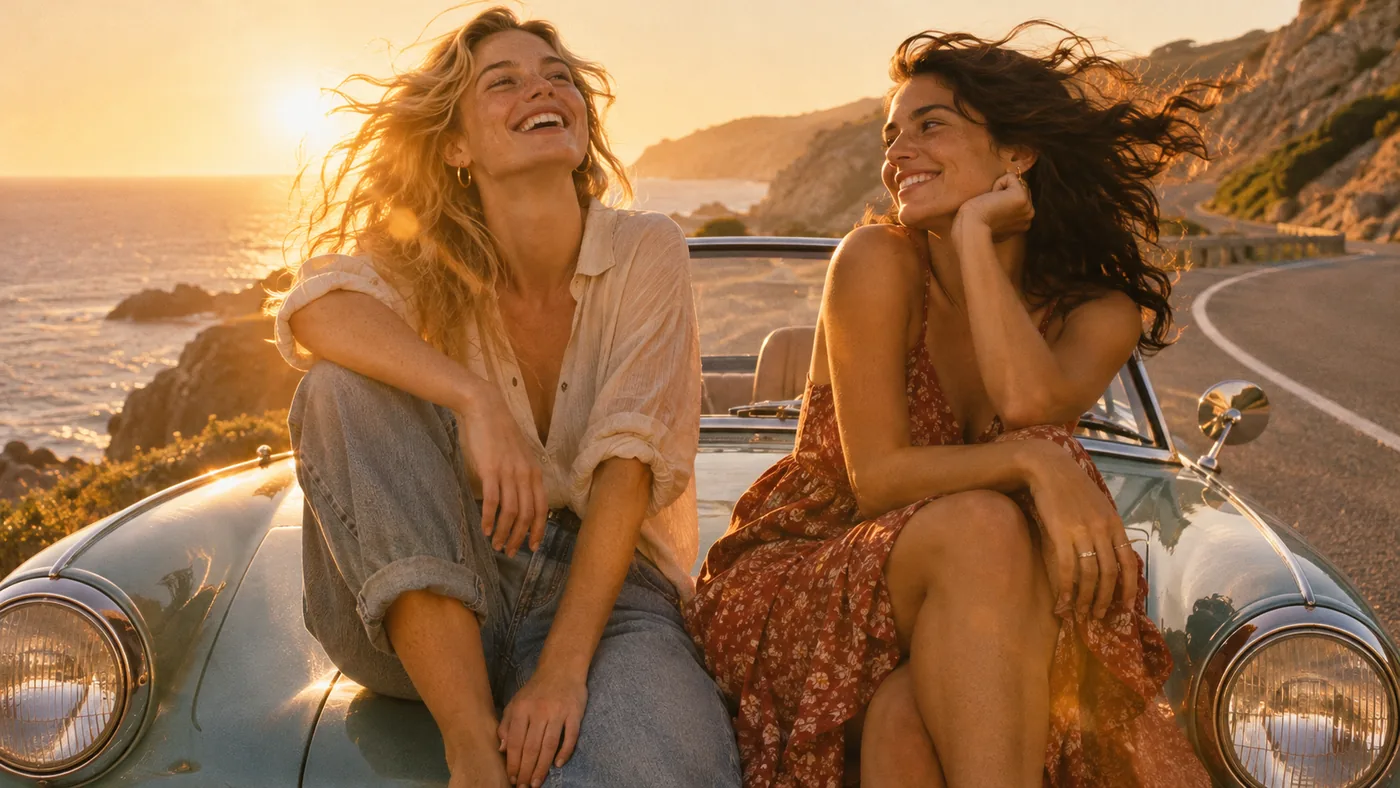
Step 1
Ask for it in chat and pick the ratio your video uses.
Step 2
Hand the still to a video model and describe the motion you want.
Step 3
Add captions, voiceover and music on the same timeline, then export.
Animate, caption, voice and score your images, all in one place.
Download Desktop Download for macOS Download for Windows Generate an imageChecked in the app on November 11, 2026.
Flare is the fast default. Sunburst is for precise edits and dense detail.
1:1, 16:9, 9:16, 4:3, 3:4, 3:2, 2:3, 4:5, 5:4 and 21:9.
1K is the default. 2K and 4K are experimental and cost more.
Edit, blend or restyle from your own pictures.
Ask for variations in one go; each is a separate image.
A 1K image on Flare. About 0.26 on Sunburst.
Image generation needs a Pro plan. Credit figures are quotes from November 11, 2026 for one 1K image at high quality; the app shows the current price before you generate.
Portraits, posters, products and paintings. Pick a prompt and generate your own version in ChatCut.
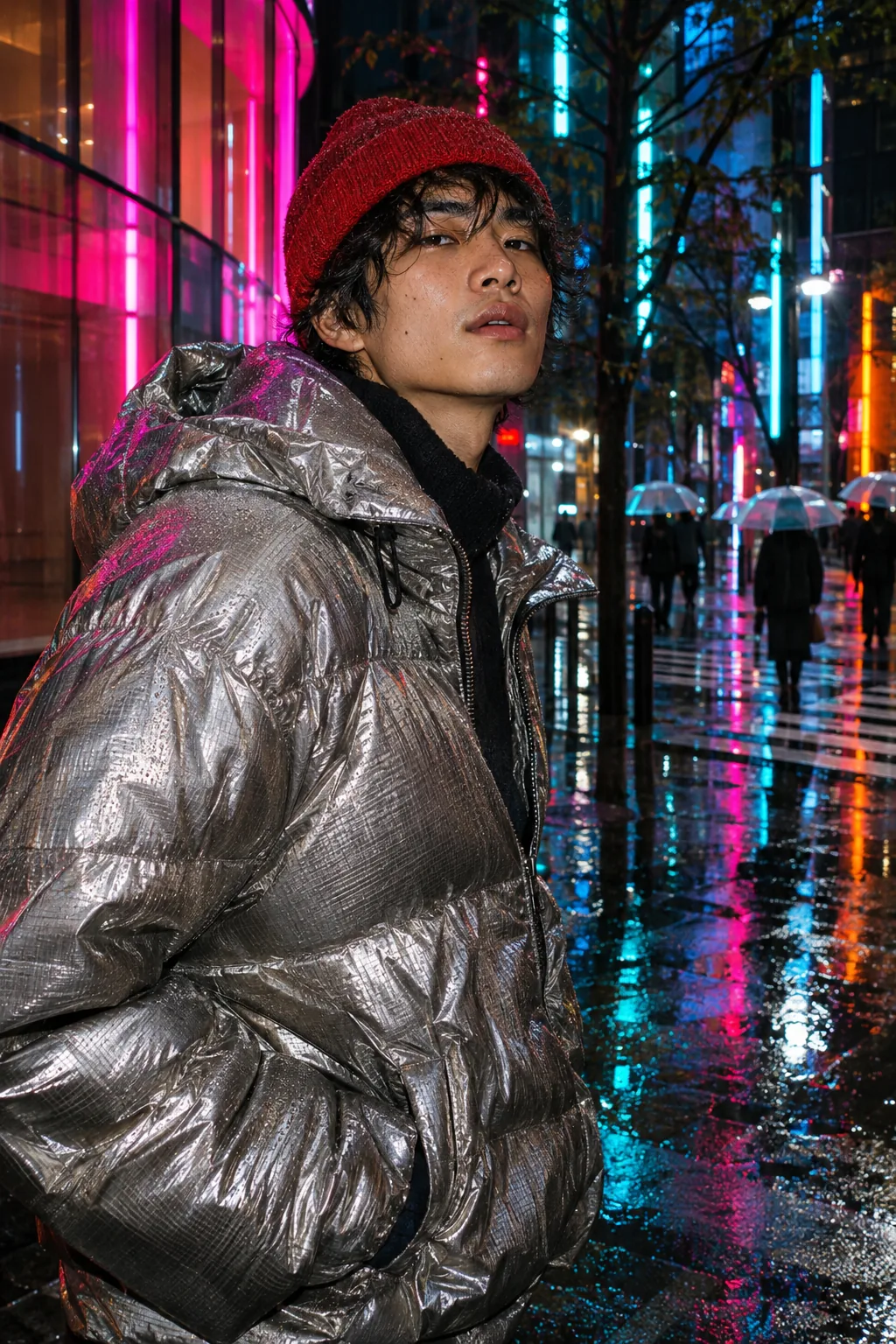
Street fashion flash photograph at night in Tokyo: a young man in a silver puffer jacket and red beanie, neon reflections in rain puddles behind him, direct flash, candid.
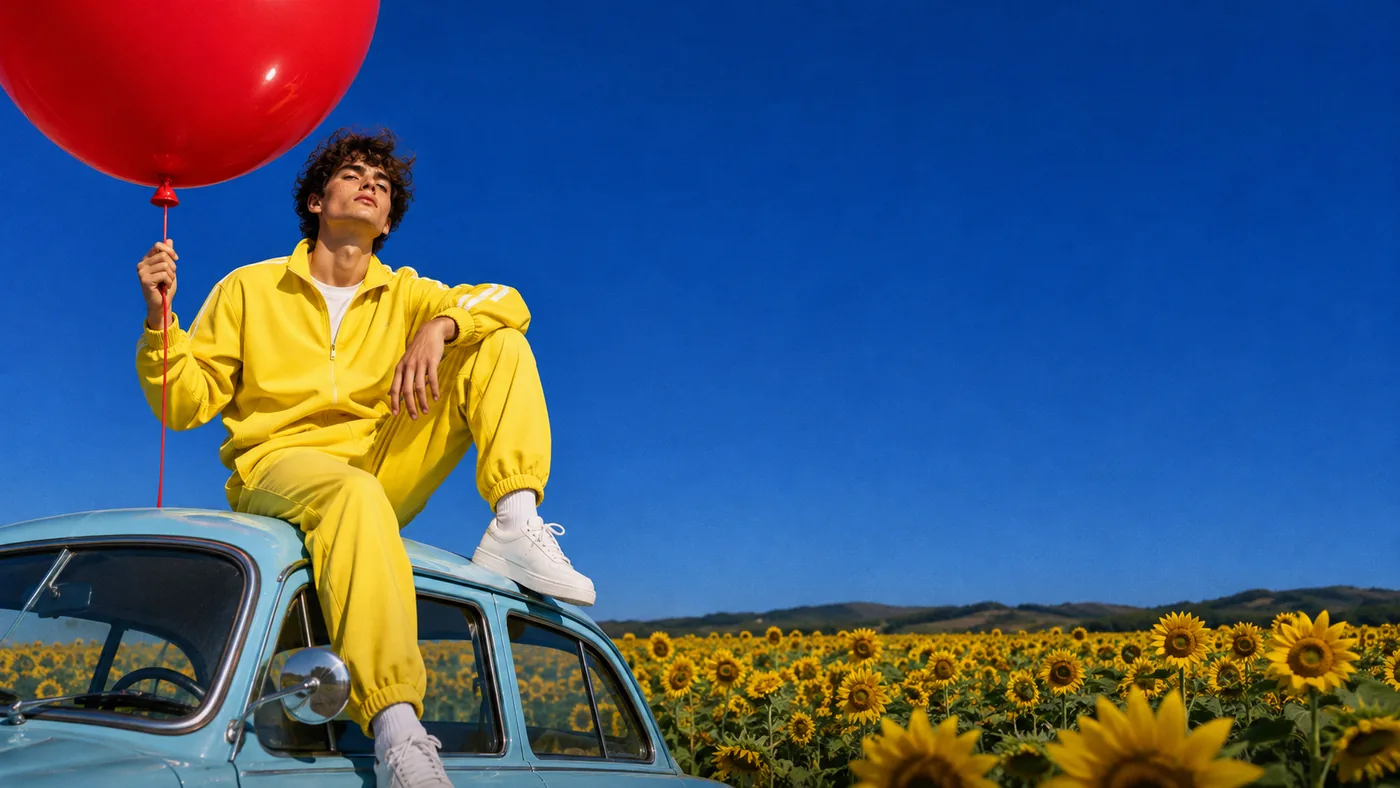
A young man in a lemon-yellow tracksuit sitting on the roof of a vintage powder-blue car parked in a sunflower field, holding the string of one giant red balloon, low angle, saturated cobalt sky.
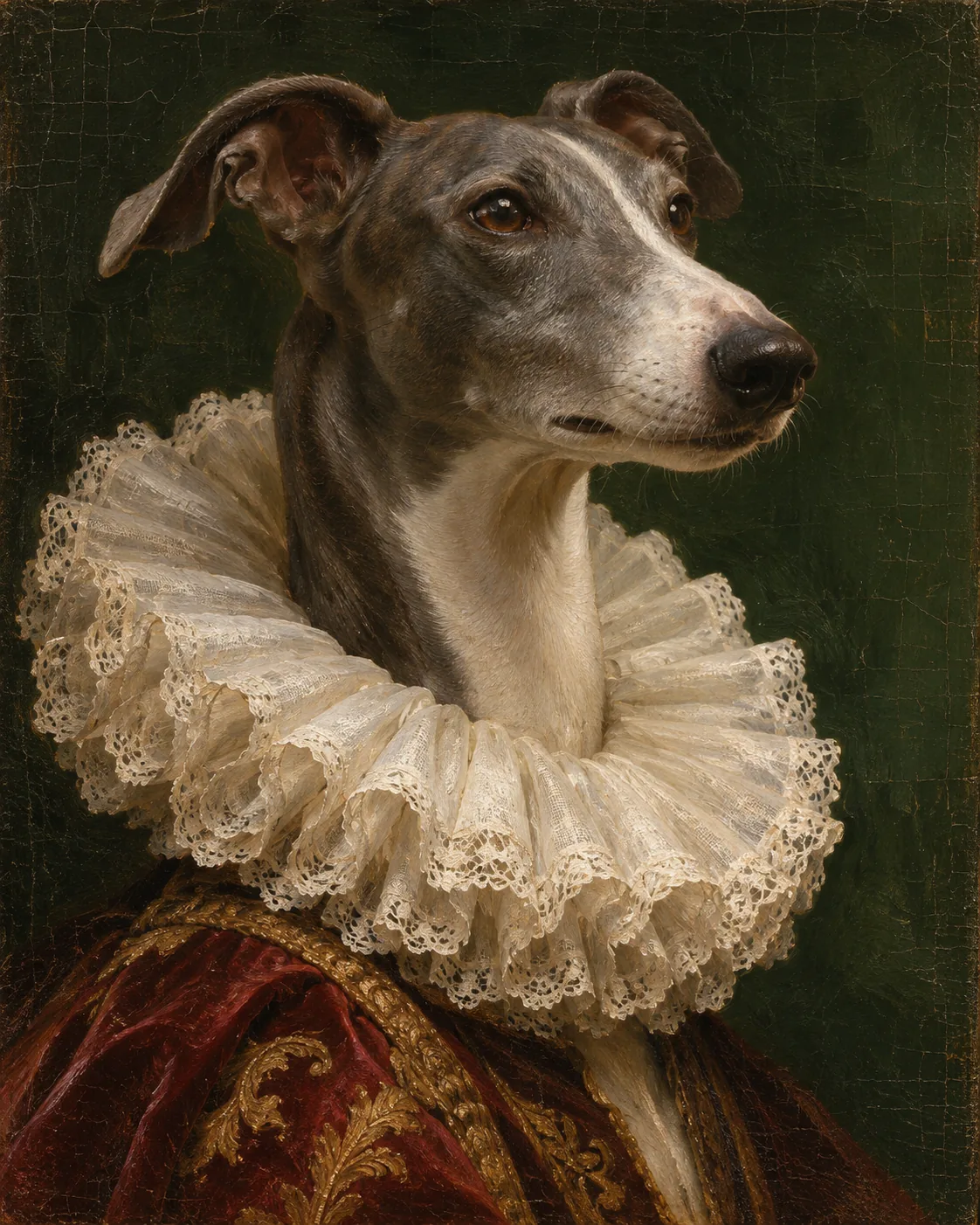
A classical oil painting portrait of a greyhound wearing a ruffled white Elizabethan collar, dark green background, visible brush strokes and craquelure, museum lighting.
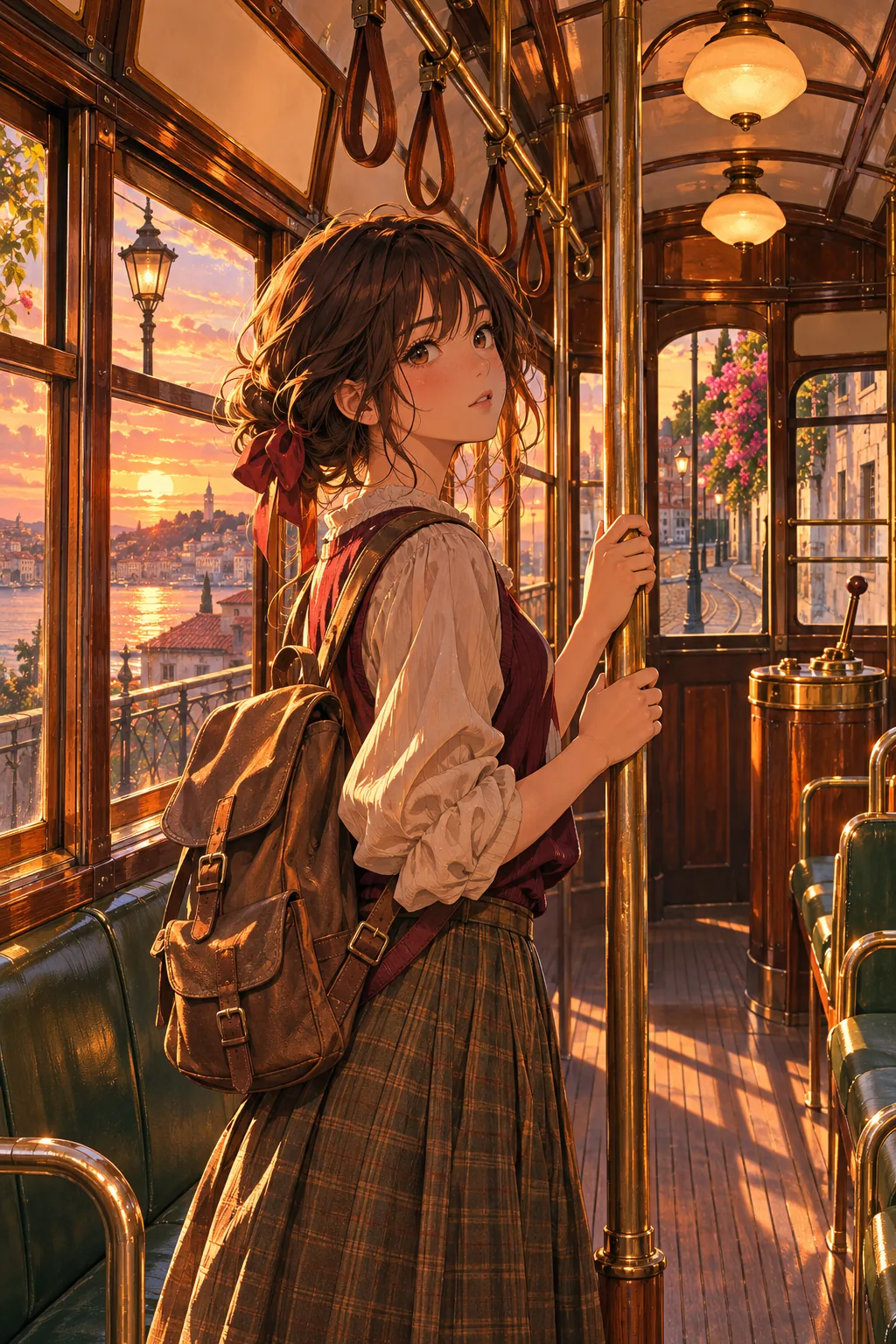
An anime-style illustration of a girl with a backpack standing in an old tram at sunset, warm light pouring through the windows, detailed background, painterly cel shading.
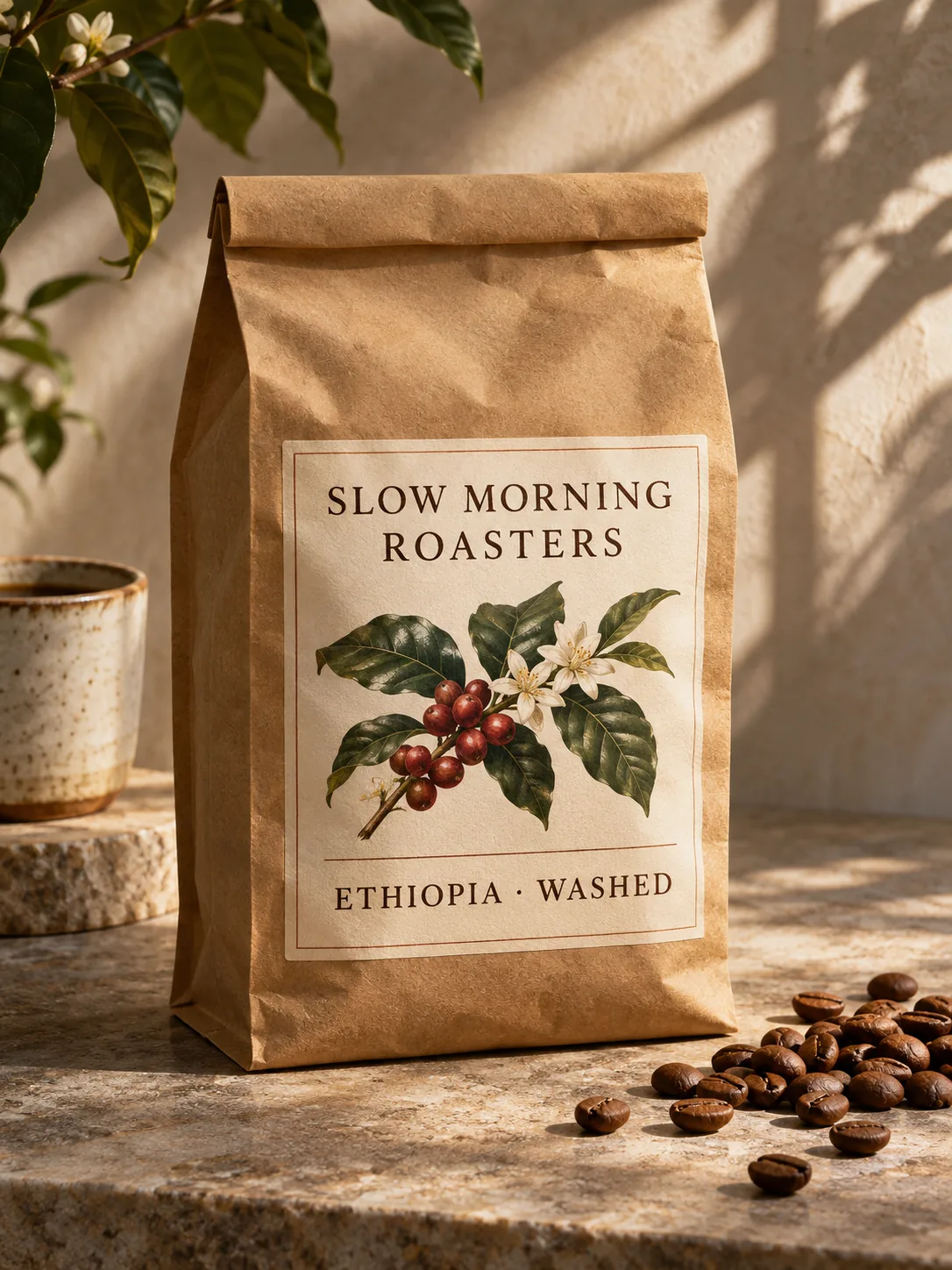
A bag of specialty coffee standing on a stone counter in morning sun, matte kraft paper with a printed label that reads "SLOW MORNING ROASTERS" and "ETHIOPIA · WASHED", coffee beans scattered beside it, product photography.
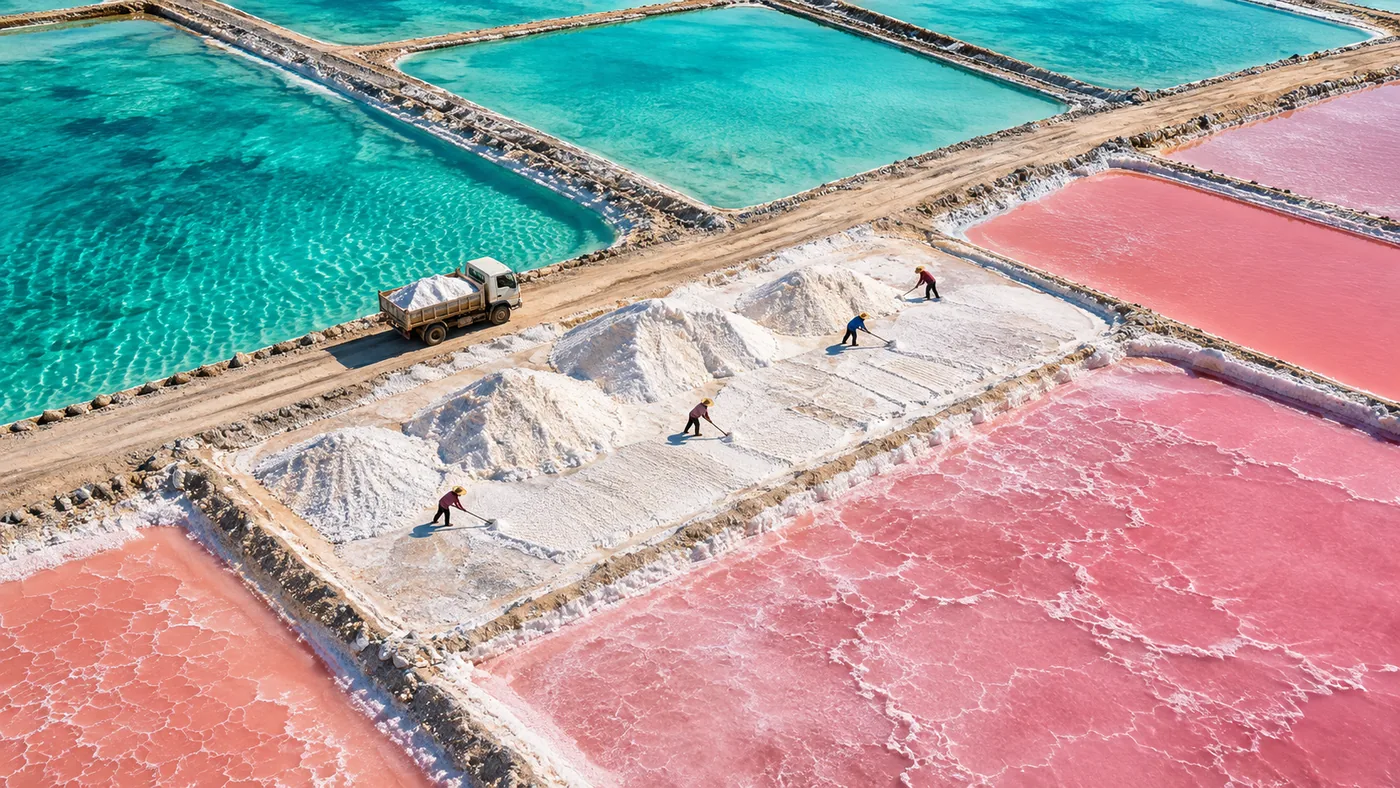
Aerial photograph of turquoise and pink salt evaporation ponds forming a geometric patchwork, tiny workers and a truck for scale, sharp midday light.
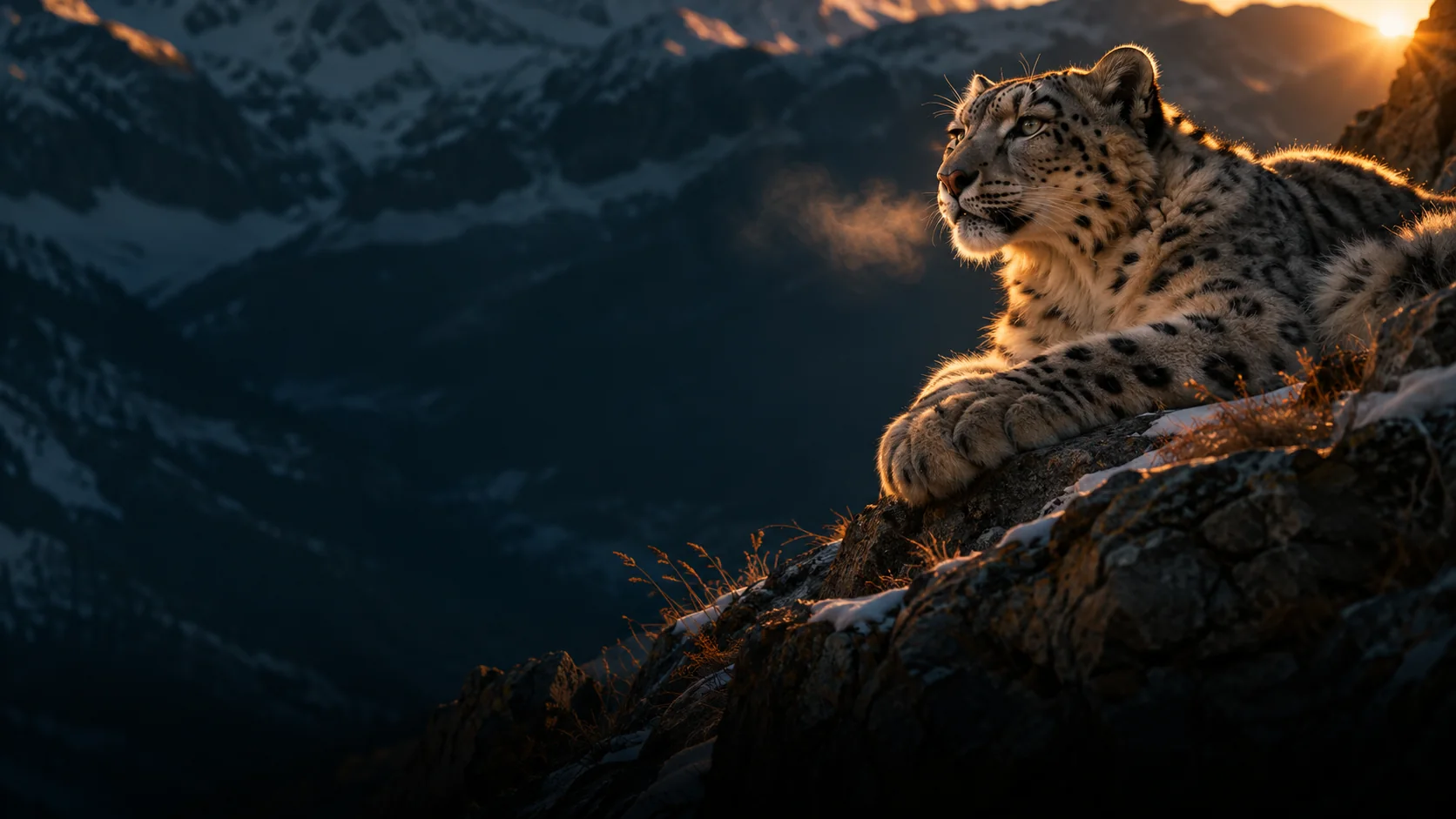
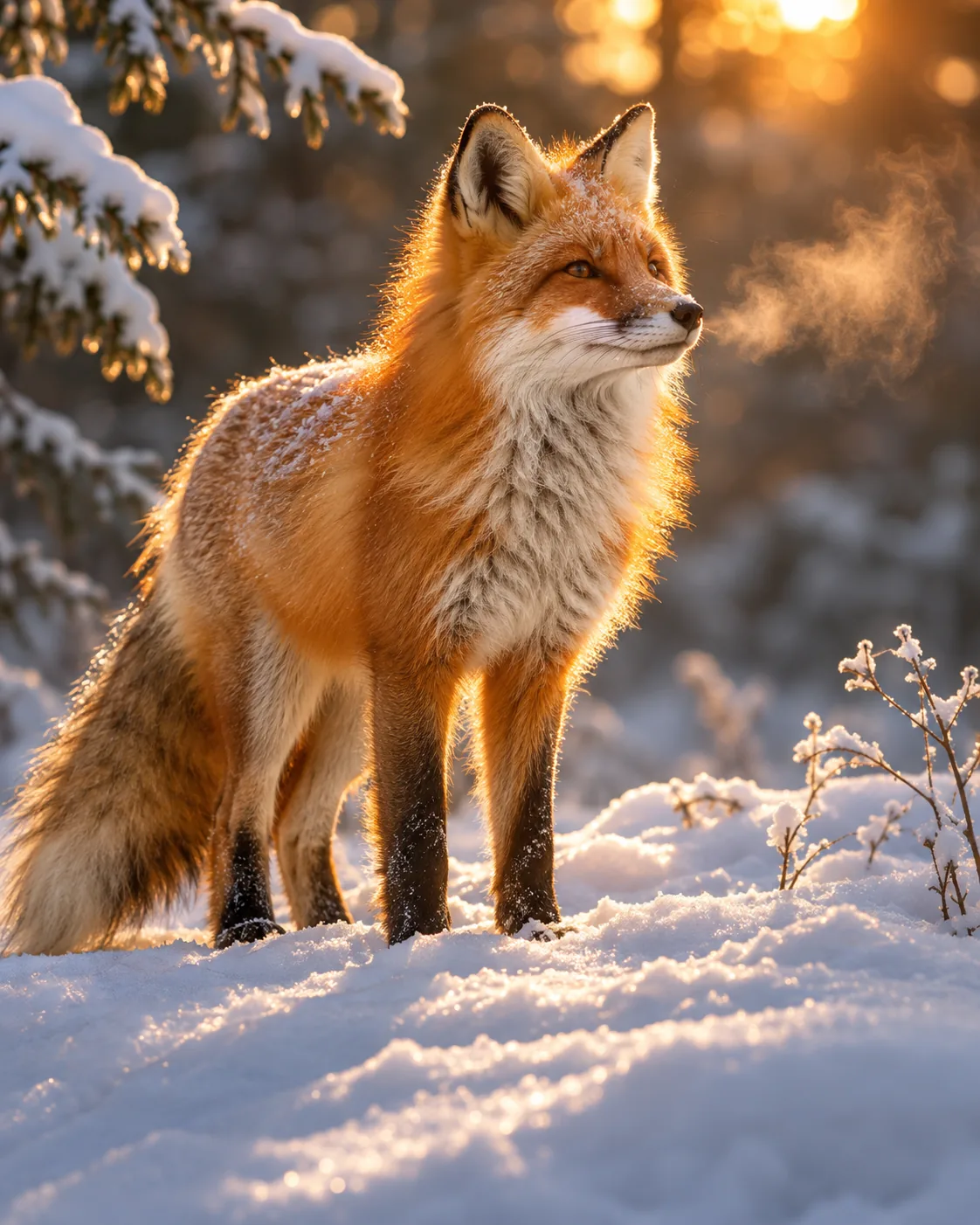
A red fox standing in fresh snow, backlit by a low winter sun, breath visible, fur glowing at the edges, shallow depth of field.
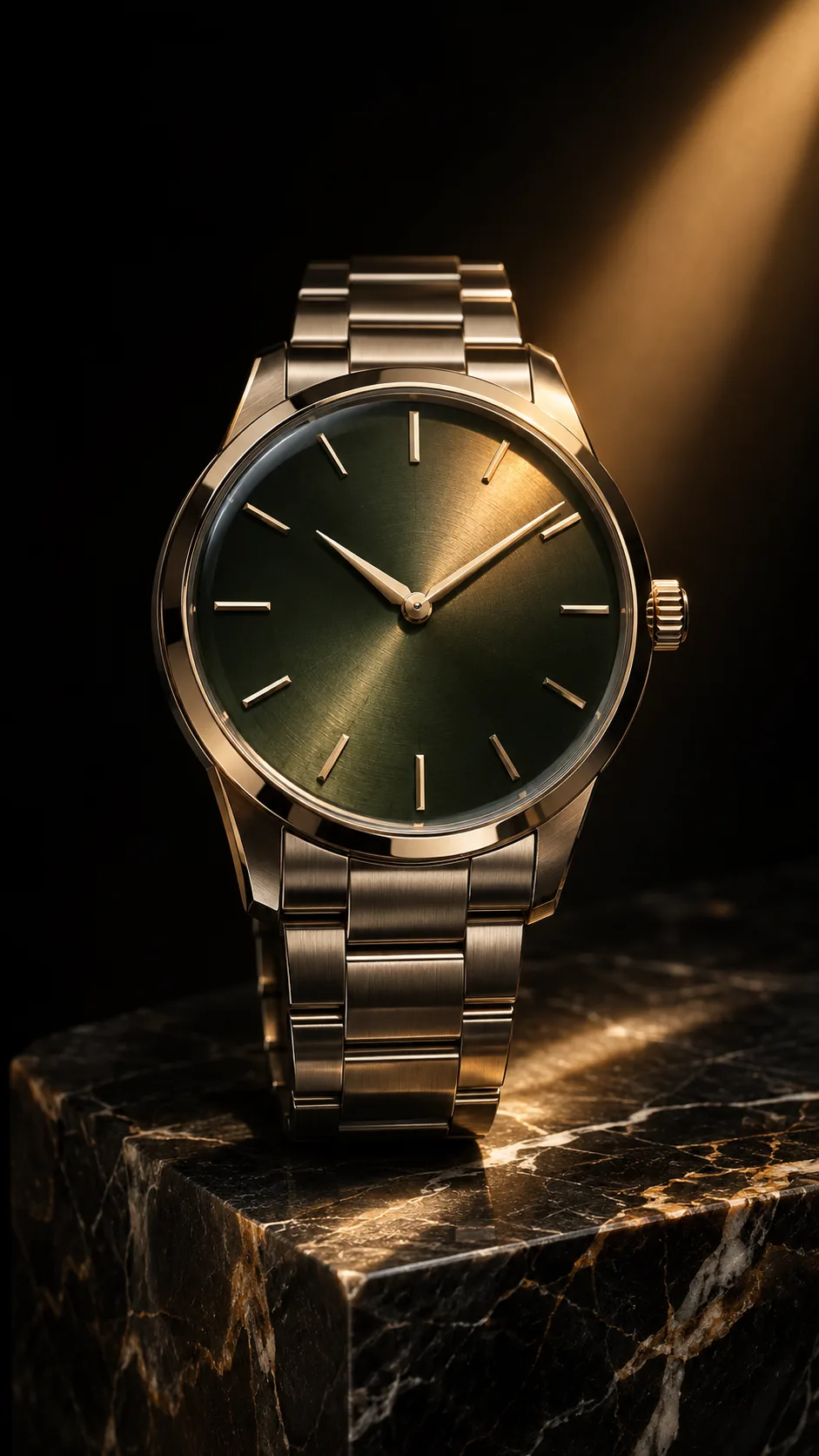
A luxury wristwatch resting on a block of dark marble, a single beam of warm light across the dial, deep black background, vertical ad format.
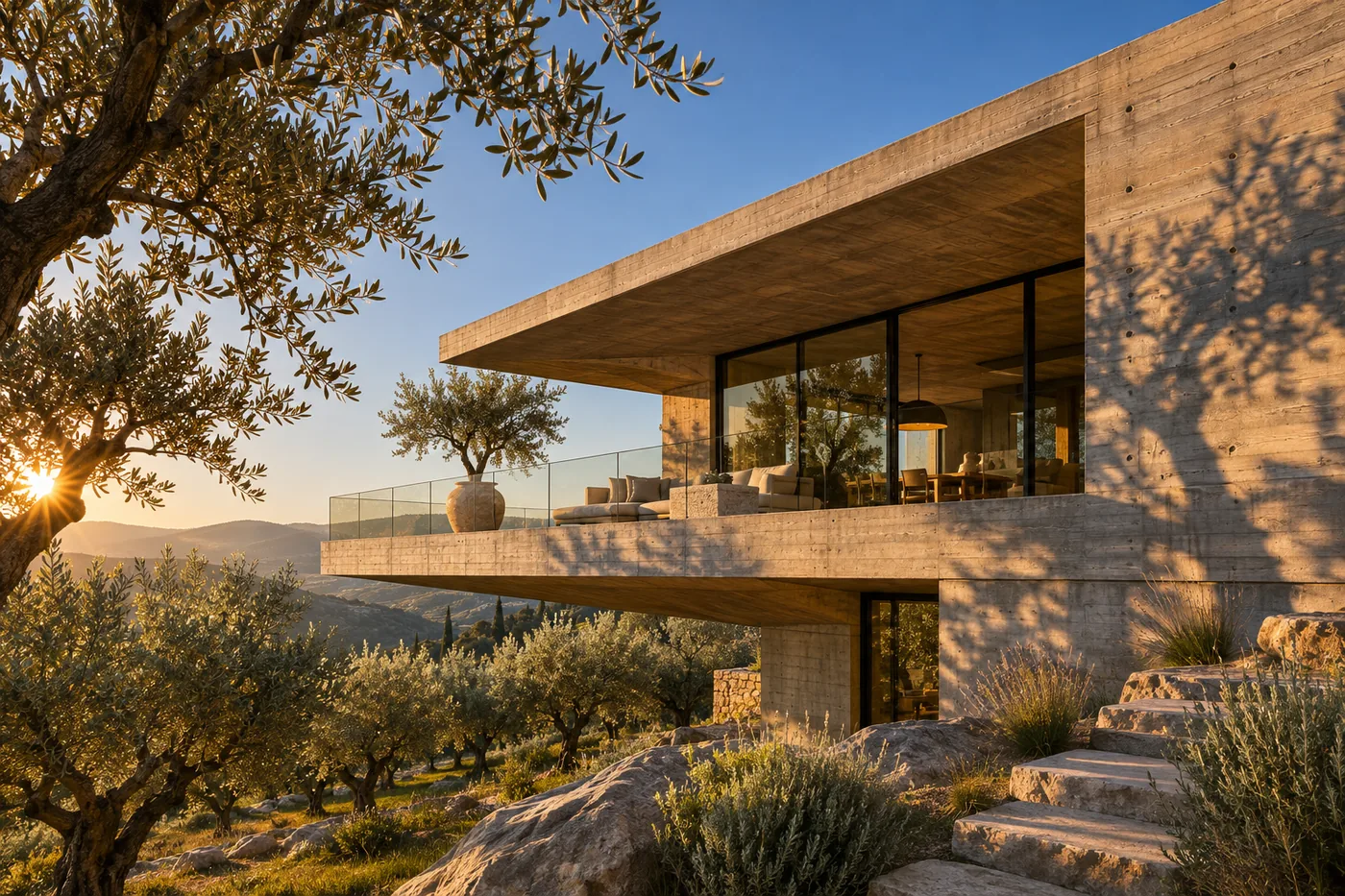
A brutalist concrete villa with a cantilevered terrace above an olive grove at golden hour, crisp shadows, clear sky, low-angle architectural photography.
Unlock member features, models, and export allowances. Get more credits every month
No credit card required
Free starter allowance
Try for free$252 · Billed annually
100 credits / month
Get started$456 · Billed annually
200 credits / month
Get started$1692 · Billed annually
800 credits / month
Get startedYes. GPT Image 2.6 is OpenAI's latest image model. Its two versions, Flare and Sunburst, are in the image model menu in the web editor and ChatCut Desktop, and the ChatCut Agent can use them too.
Yes. ChatCut's image models need an active Pro plan and enough credits. Each image is charged on its own.
Flare is the faster everyday option. Sunburst takes two to four times as long and is the one to pick for precise edits, dense text and layouts.
Yes. Ask for a transparent background in the prompt and the result is a PNG you can place over footage on the timeline.
Ten ratios from 1:1 to 21:9, including 16:9, 9:16, 4:5 and 3:2, at 1K by default. 2K and 4K are available as experimental sizes, and 2.6 can also output a looping GIF or an editable SVG.
About 0.2 credits for a 1K image on Flare at high quality, and about 0.26 on Sunburst. ChatCut shows the estimate before a job starts.
One by default, and up to 10 per request. You can attach up to 10 project images as references.
Yes. With the ChatCut plugin installed, ask for an image in Claude, ChatGPT or Codex and the ChatCut Agent generates it with GPT Image 2.6, then saves it to your ChatCut project or as a file.
Open the failed card in My Assets to see what went wrong, then check Credits history. It shows what was actually charged, which can differ from the estimate shown before the job.
Yes. Every image lands in My Assets. Use it as the first frame for Kling 4.0 or Seedance 2.5, or place it on the timeline and keep editing.
 Codex
 Claude
 WorkBuddy